
Screenshots
A tour of MSP Align with its made-up demo clients (Settings → Diagnostics → Demo data loads the same ones, so you can try all of this before connecting anything). The home page has a one-minute video tour.
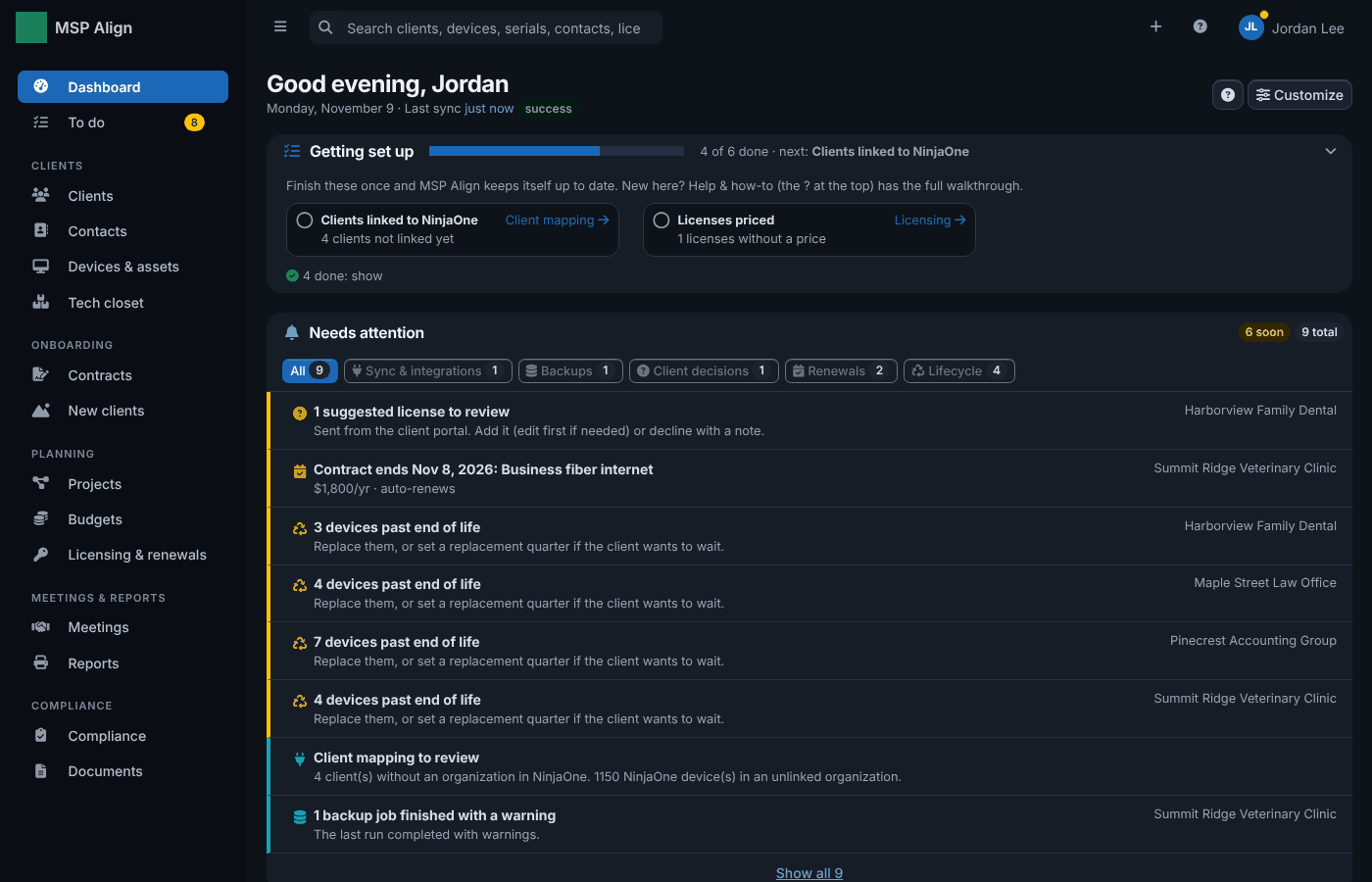
Dashboard
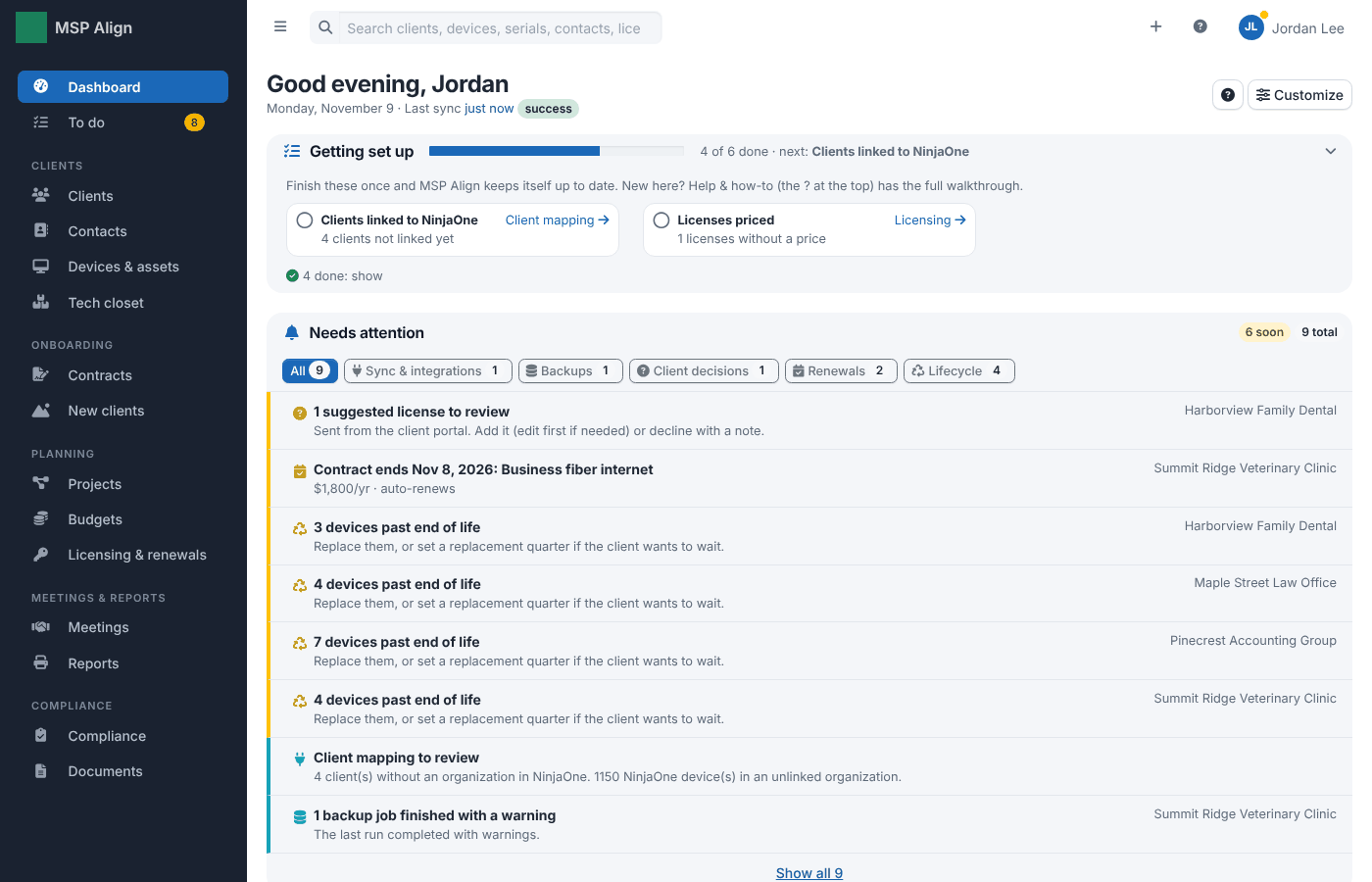
What needs attention across every client: failed backups, missed service levels, hardware past end of life, renewals and decisions waiting on a client. Each line goes straight to the fix.
Each person picks light, dark or match my computer under Account.
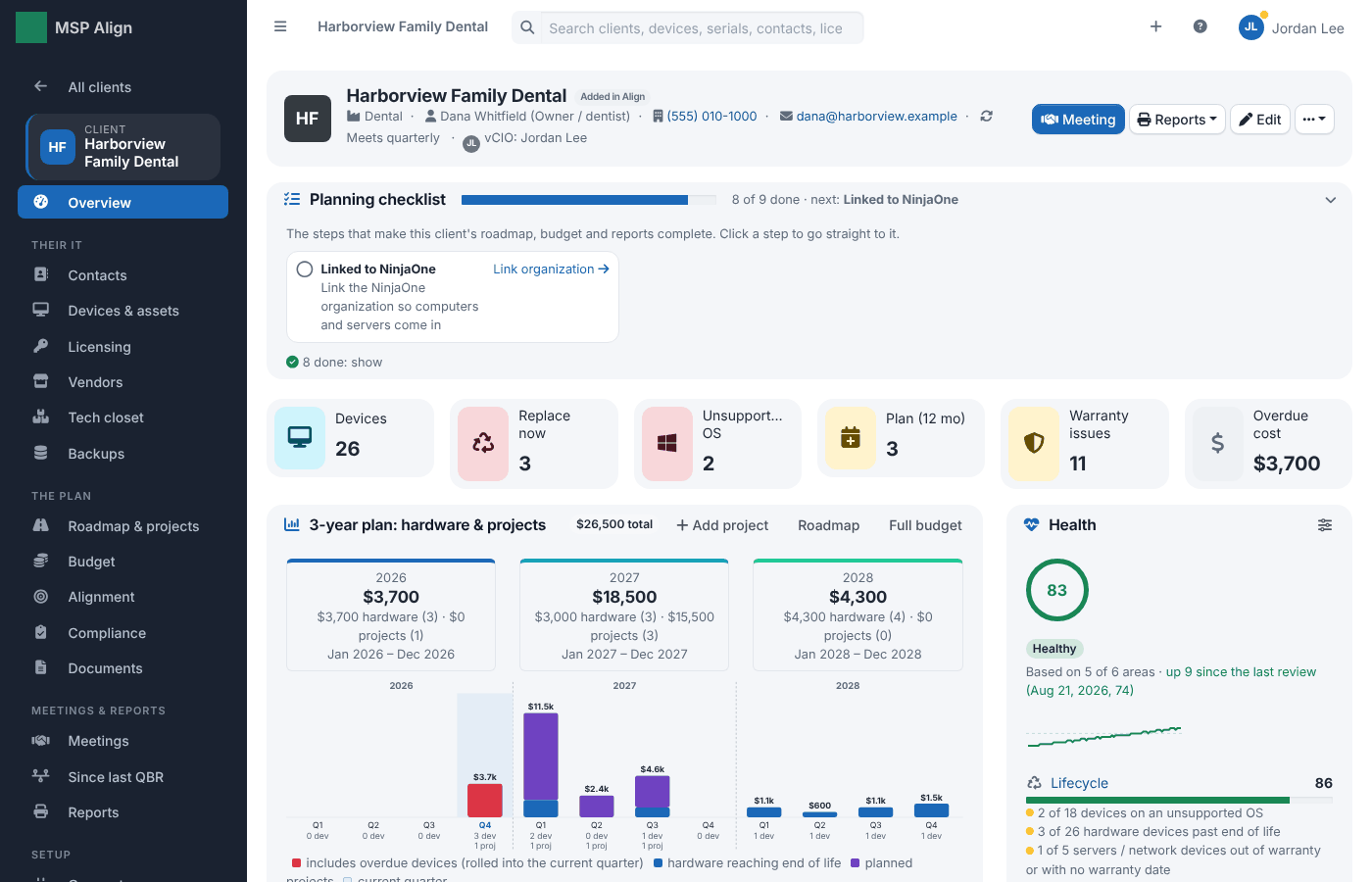
A client
The client overview: the planning checklist, lifecycle numbers, the three-year plan, meetings and backups.
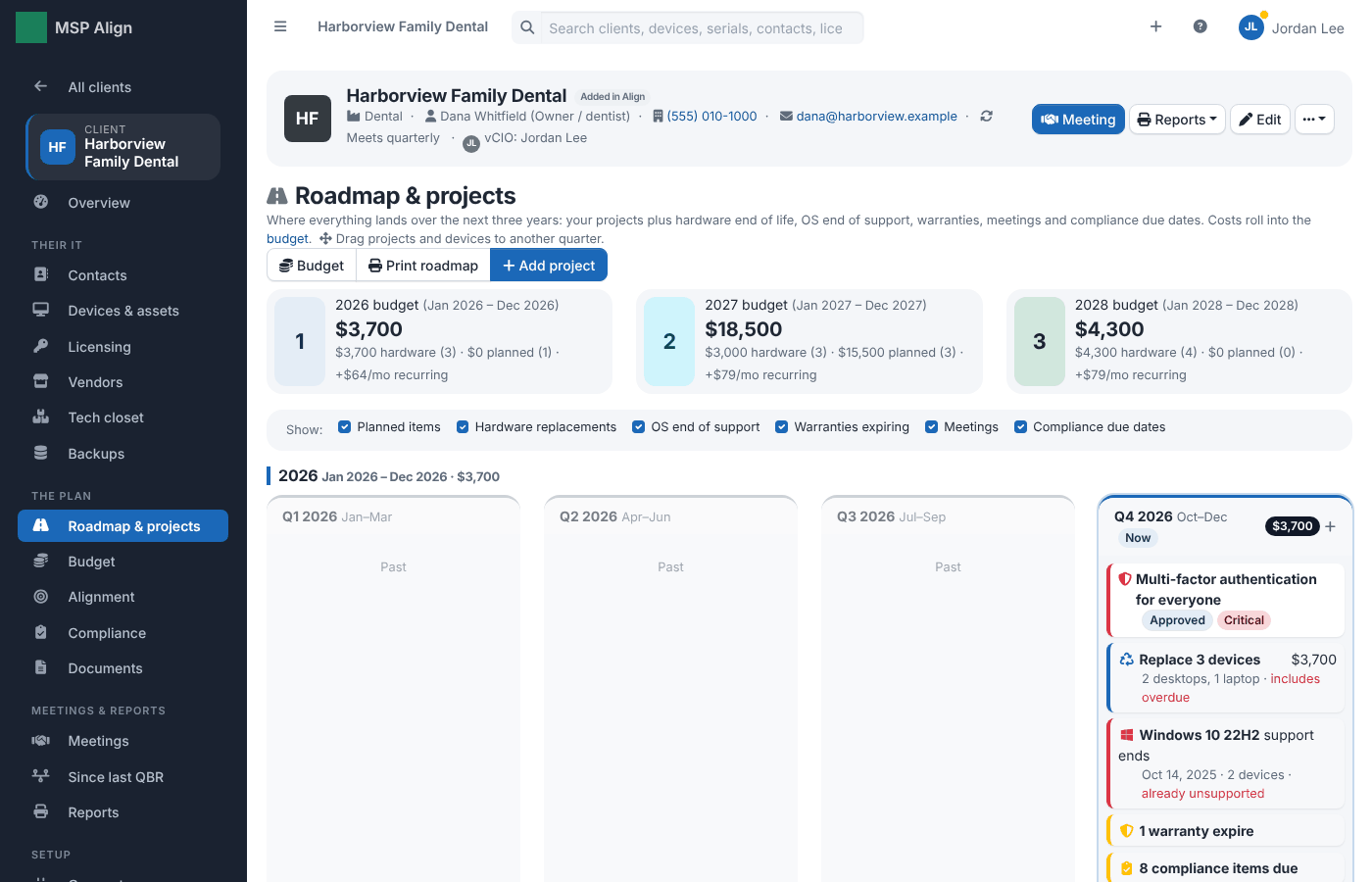
Roadmap & projects
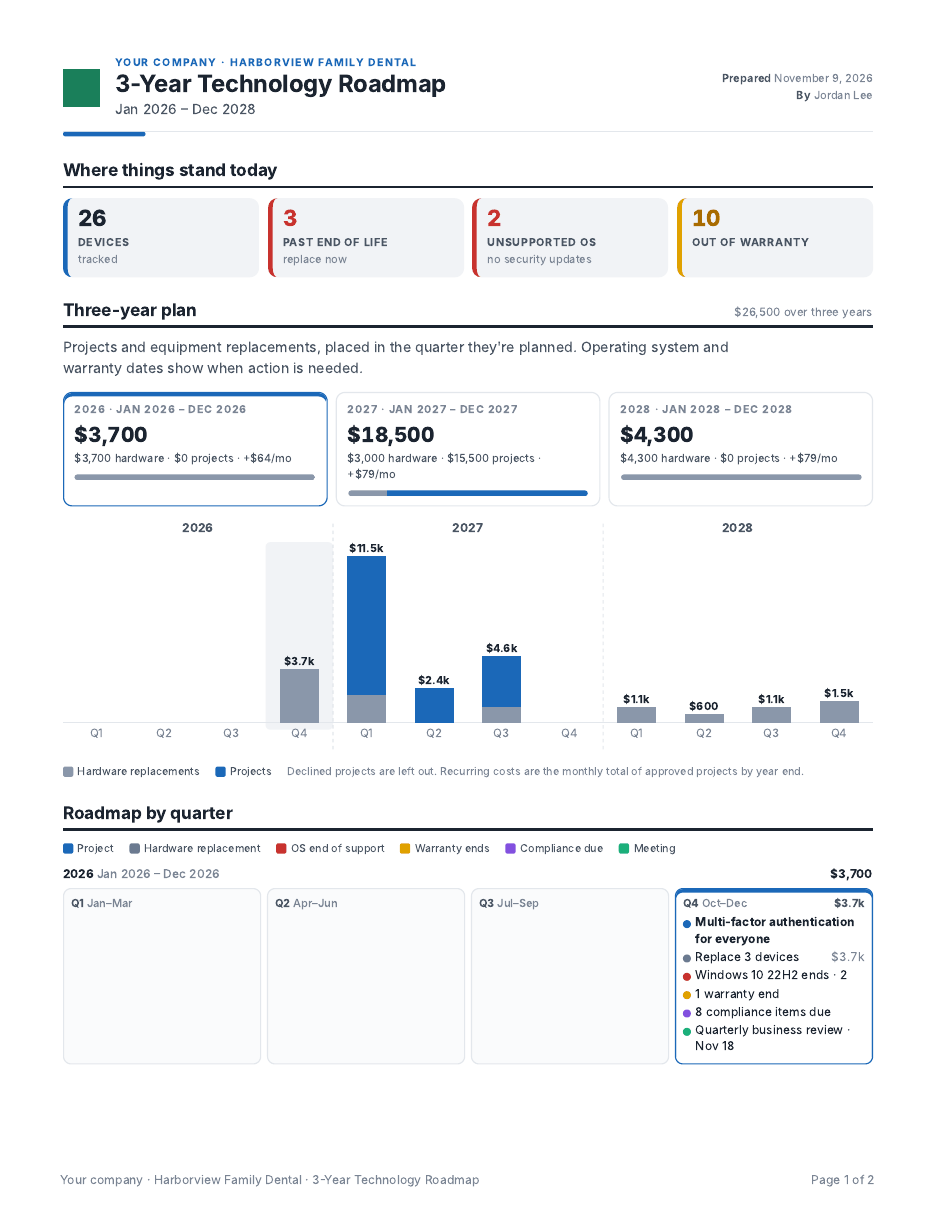
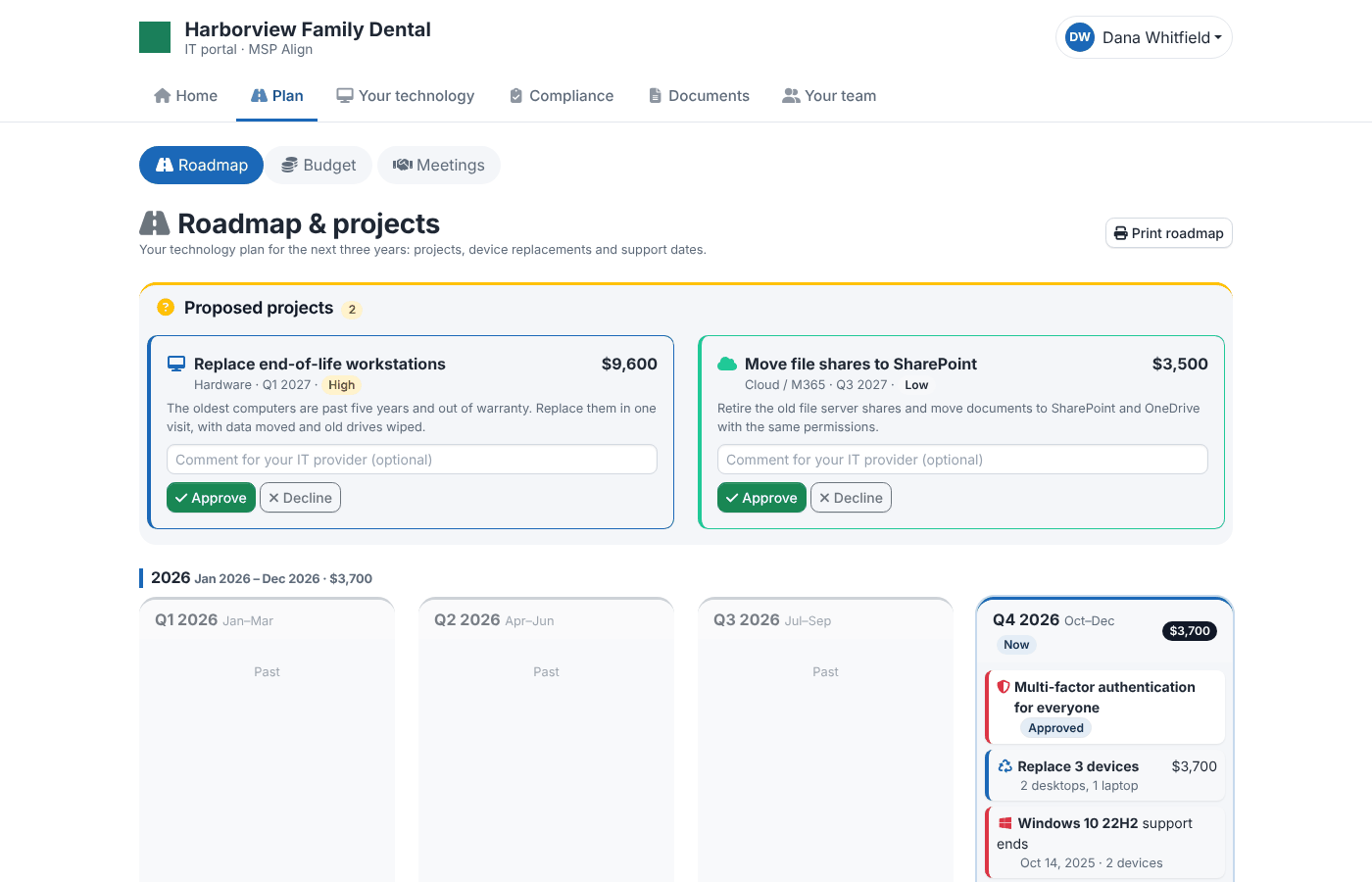
Everything that lands in the next three years, by quarter: your projects plus hardware end of life, OS end of support, warranties, meetings and compliance due dates. Drag projects and devices to another quarter.
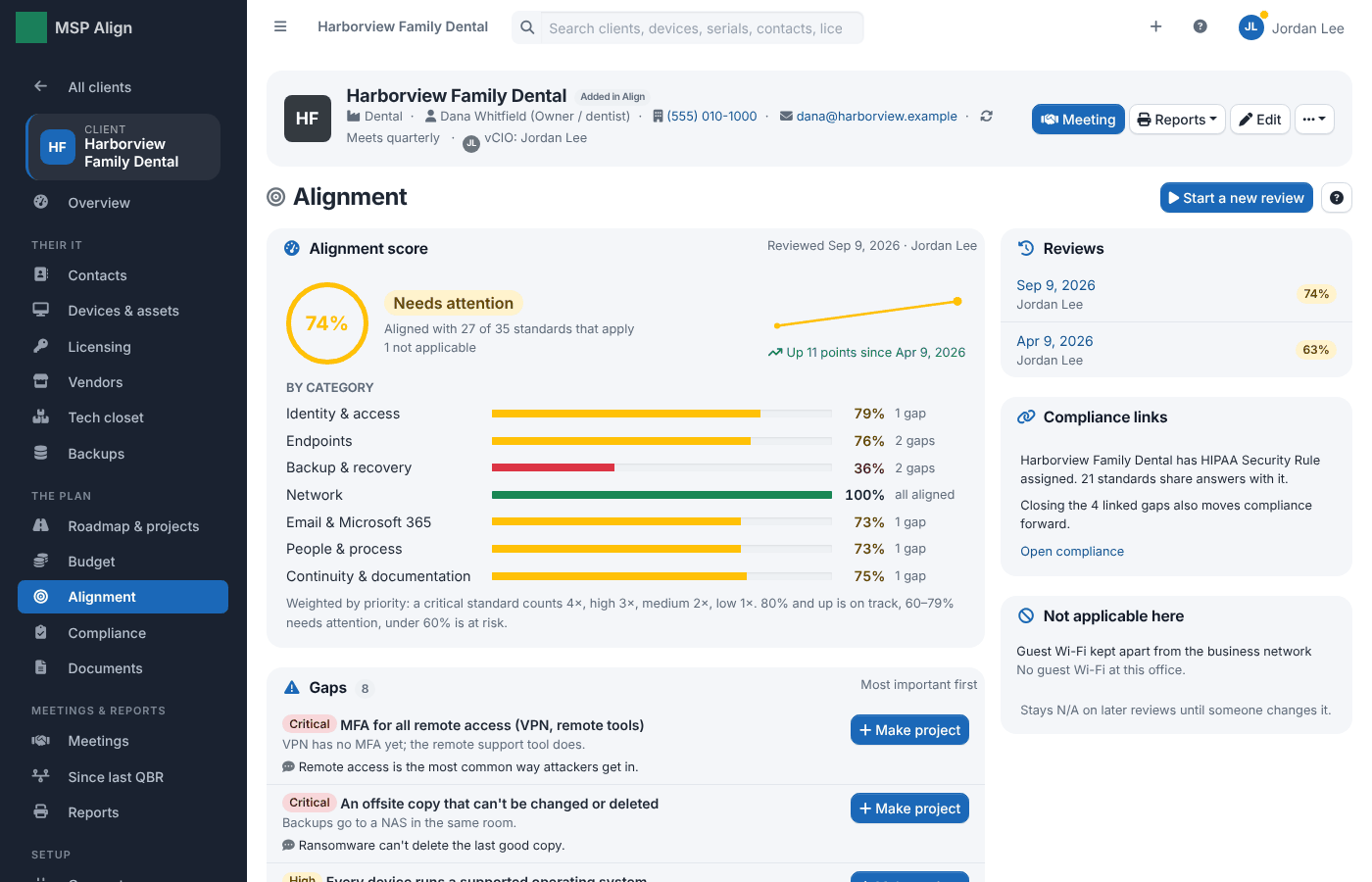
Alignment
How the client measures against your own standards (Libraries → Alignment standards): the score and its trend, each category, and the gaps in order of importance, each one a roadmap project in one click.
Since last QBR
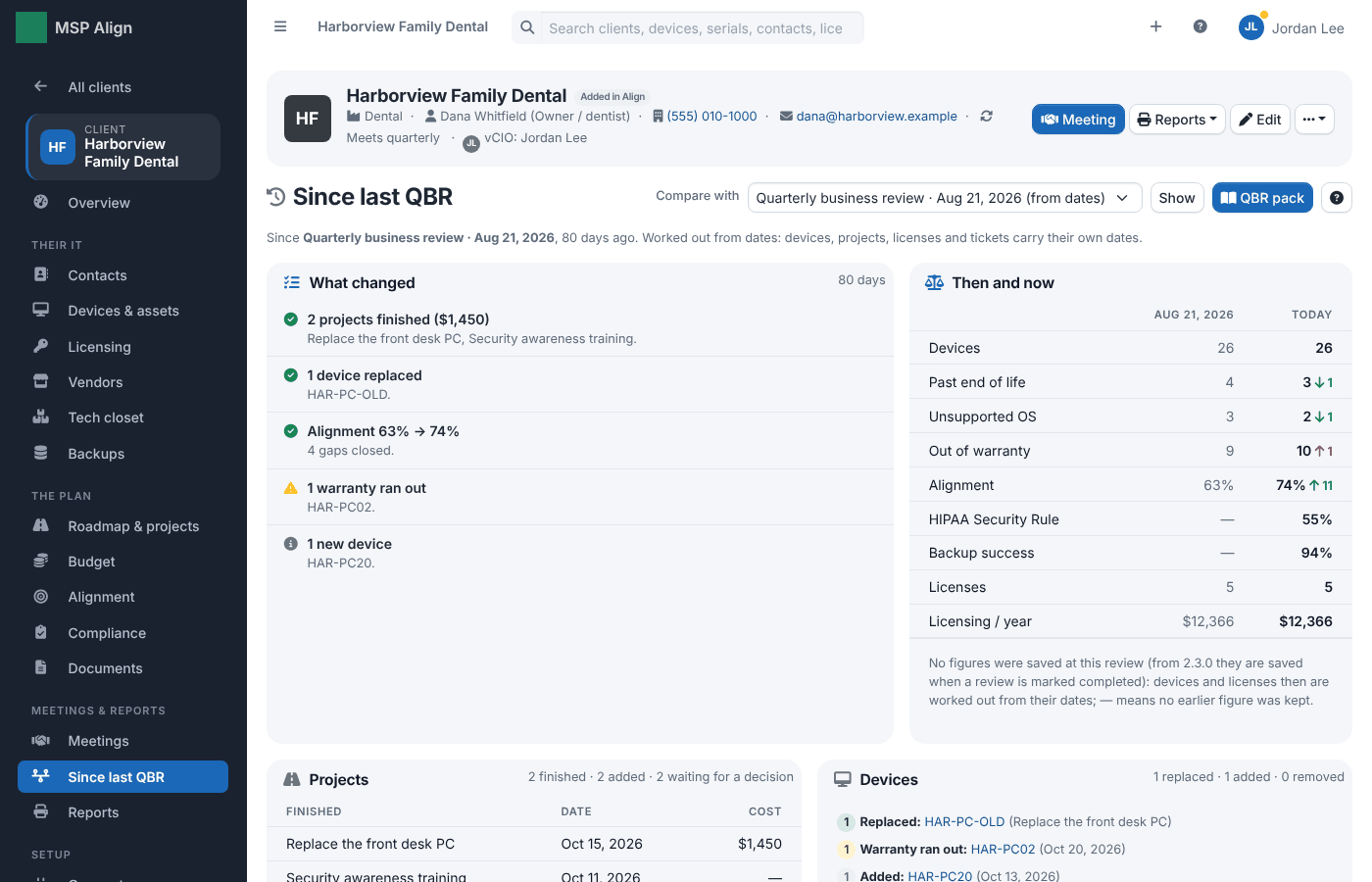
What changed since the last business review: projects finished, devices replaced, warranties and support that ran out, the alignment score then and now, and approved projects that slipped. The QBR pack opens with the same summary.
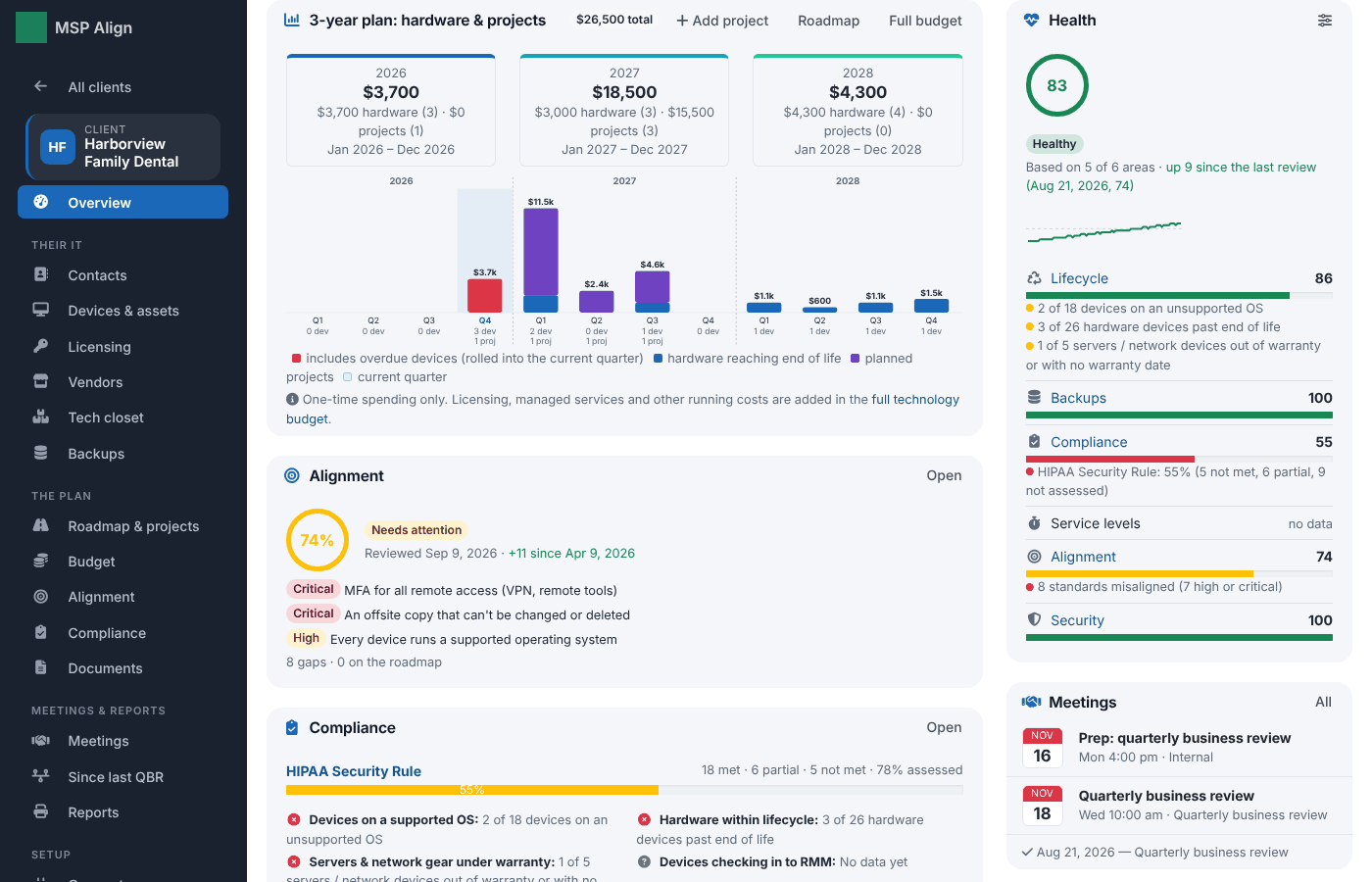
Client health
One score from 0 to 100 for each client, from lifecycle, backups, compliance, service levels and alignment: the band, the last 90 days, the change since the last business review and what pulls each area down. The dashboard lists every client worst first, and the QBR pack opens with it.
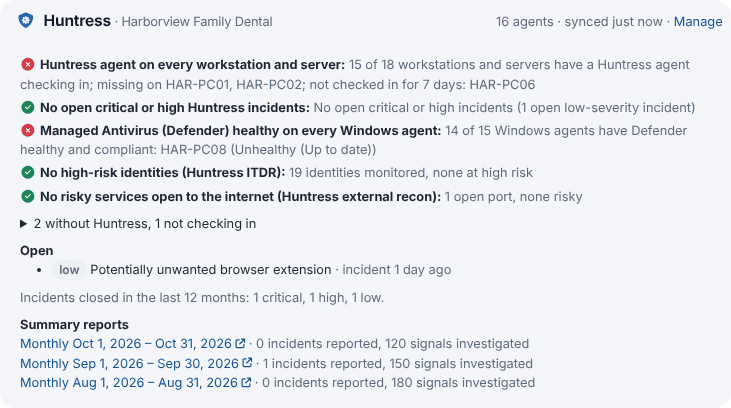
Security
With Huntress connected, each client's agents are compared with the computers its RMM reports, alongside Managed Antivirus (Defender), open incidents, ITDR identities, external ports and the monthly summary reports. Each check counts in the health score's Security area and suggests answers for linked compliance controls.
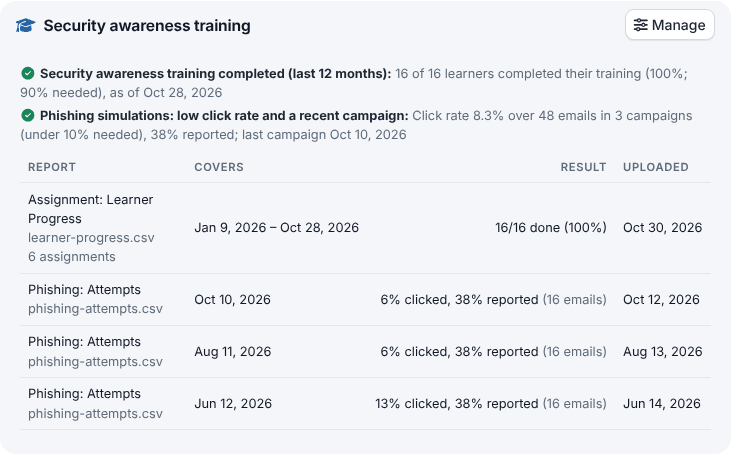
Security awareness training: training completion and phishing click rates from Huntress SAT, read from the Curricula API or uploaded as exports. Only totals are kept, never names. Microsoft 365, Google Workspace and email authentication (SPF, DKIM, DMARC) get their own cards once connected.
Technology budget
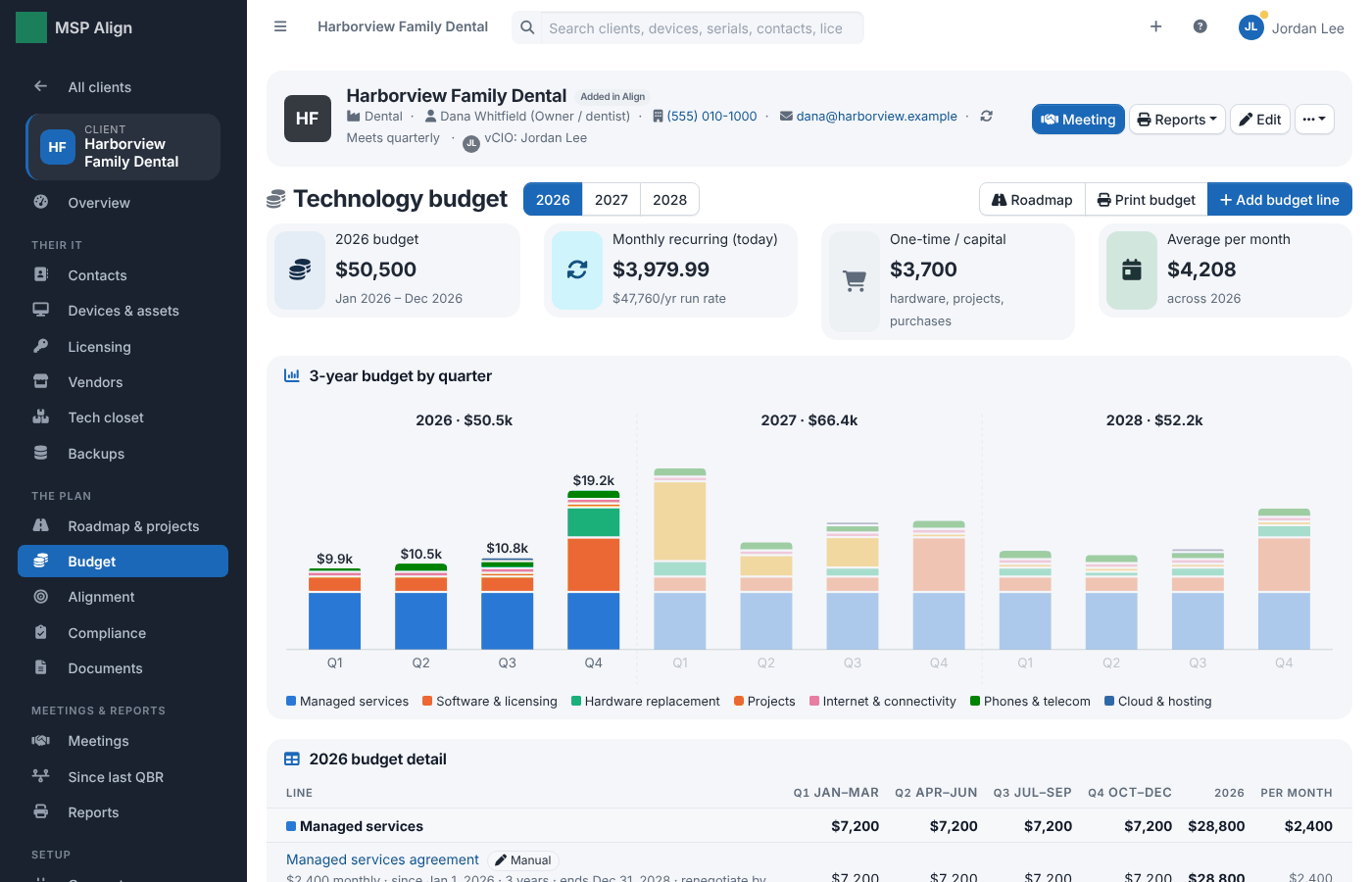
A three-year budget by quarter that builds itself from licensing, hardware replacements, projects and managed services, plus any lines you add.
Devices & assets
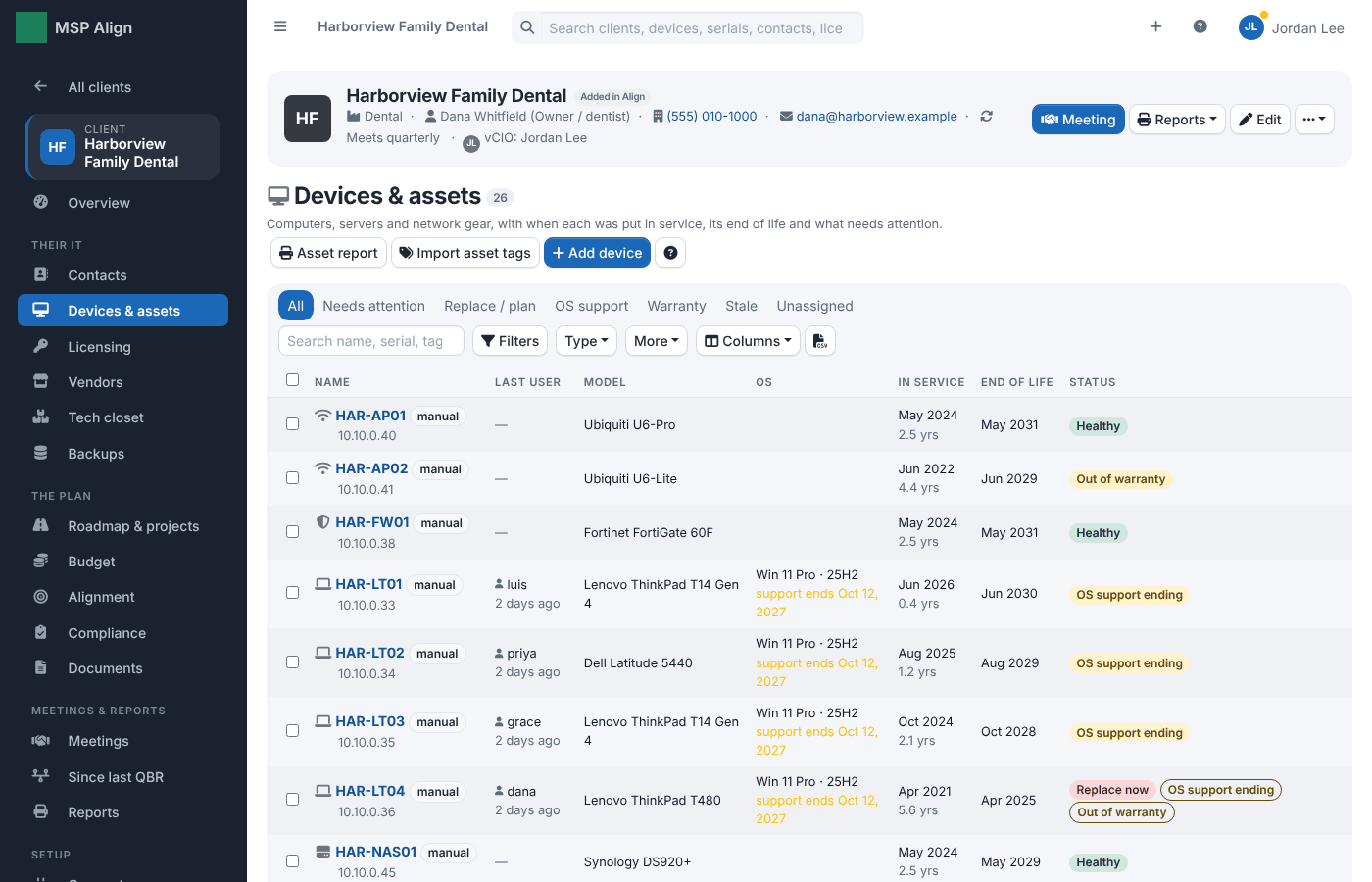
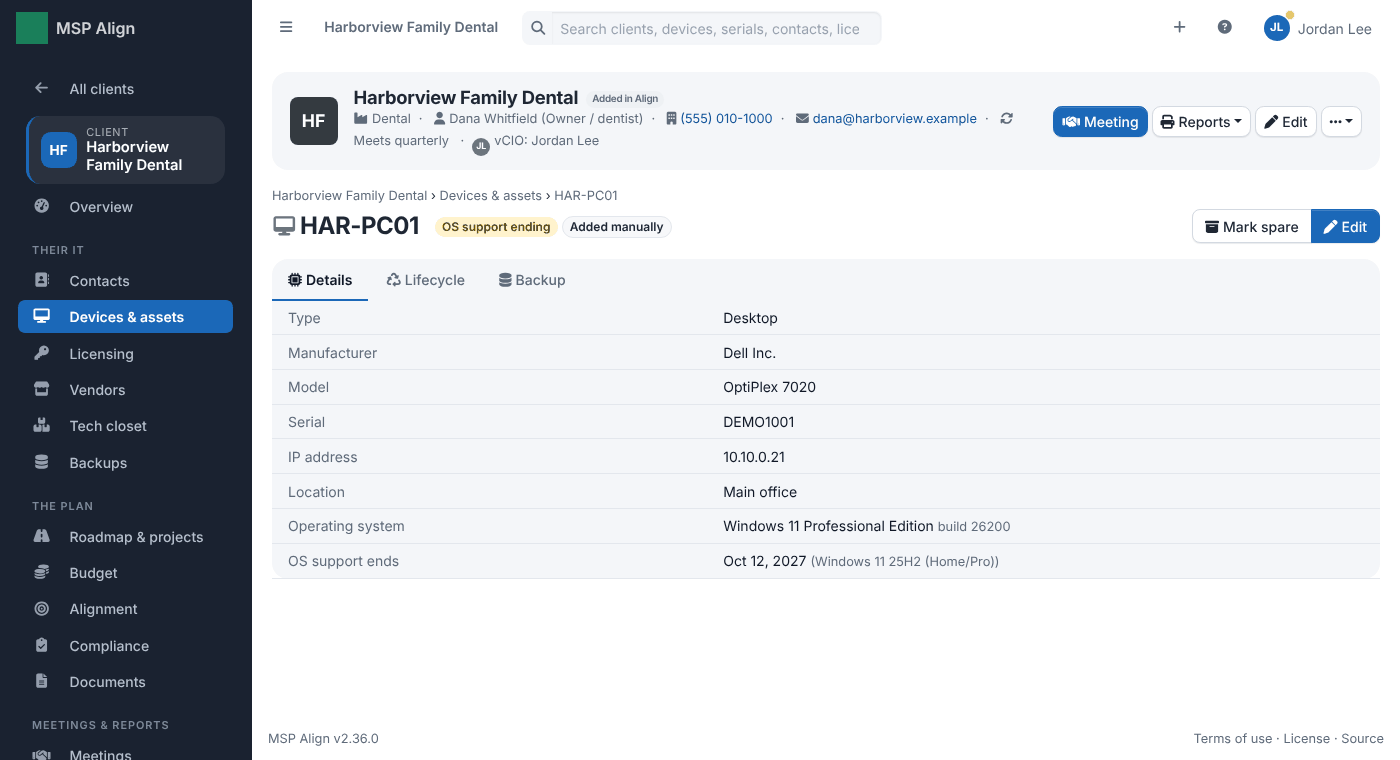
Every computer, server and network device with its age, end of life and status, from your PSA and RMM or added by hand.
Licensing
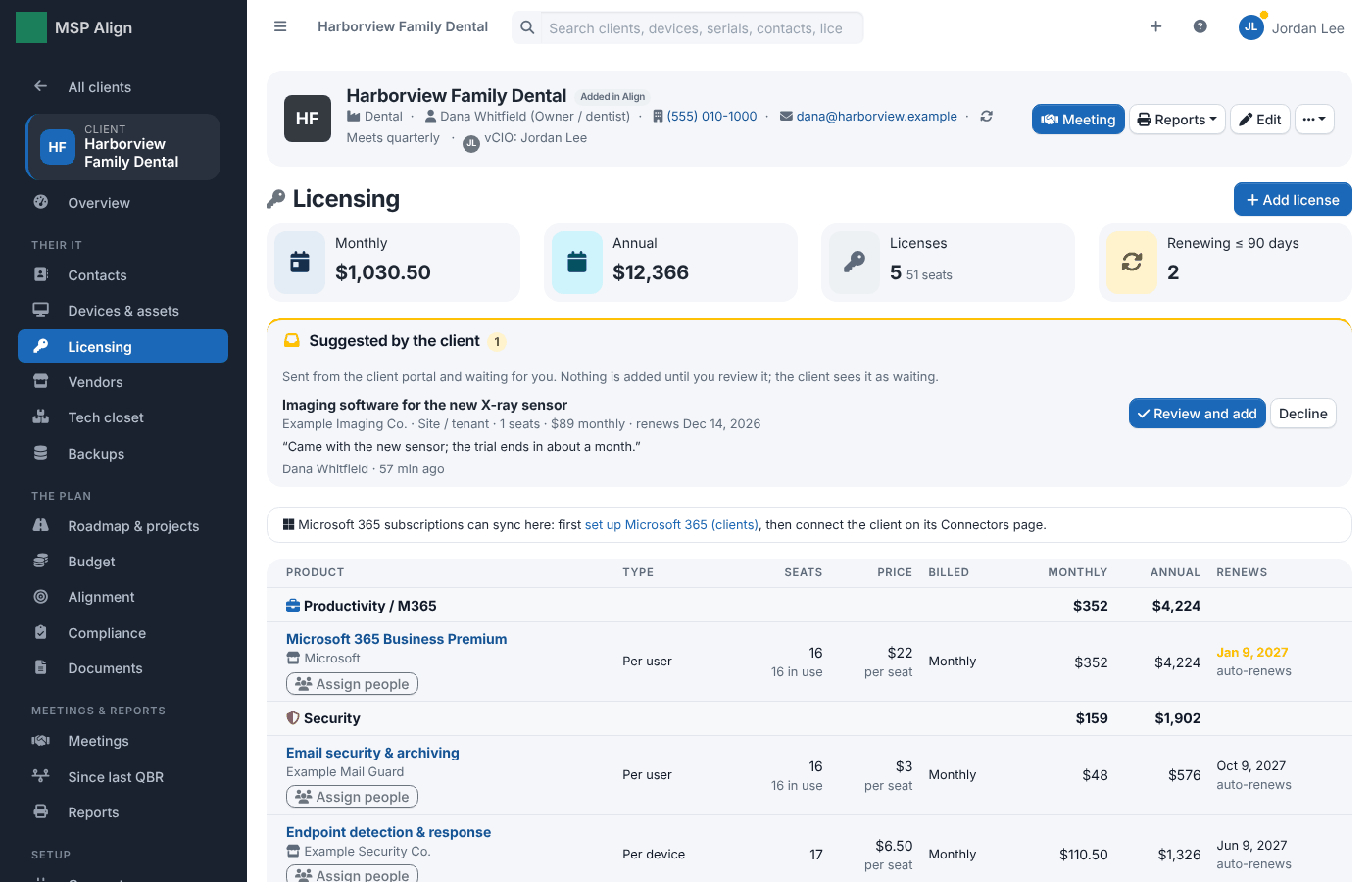
Licenses from your PSA with prices, billing cycles and renewal dates kept in MSP Align.
Compliance
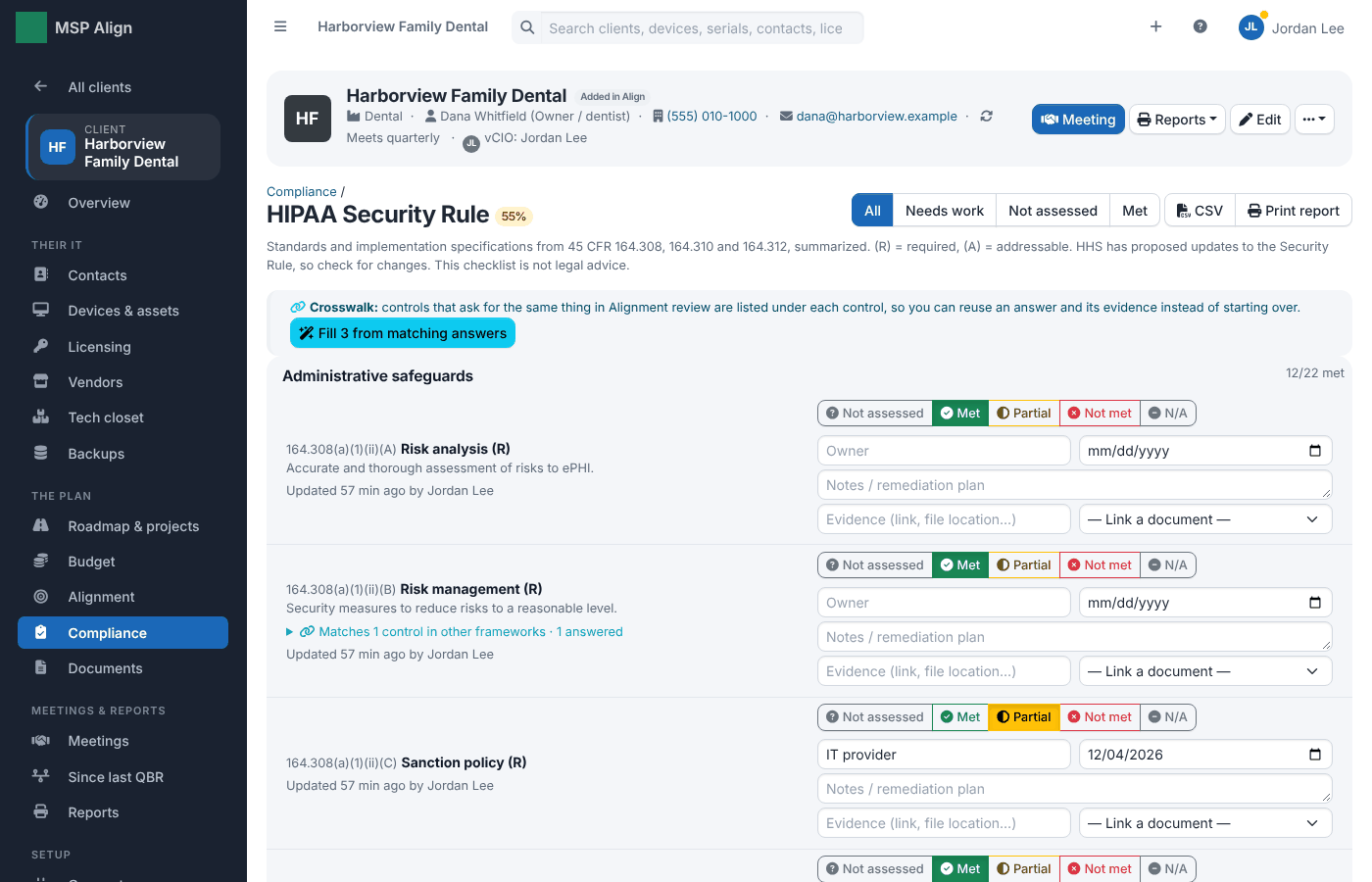
Checklists for HIPAA, CIS Controls, NIST CSF, CMMC, PCI DSS, ISO 27001, SOC 2 and more, with owners, due dates, notes and evidence.
Meetings
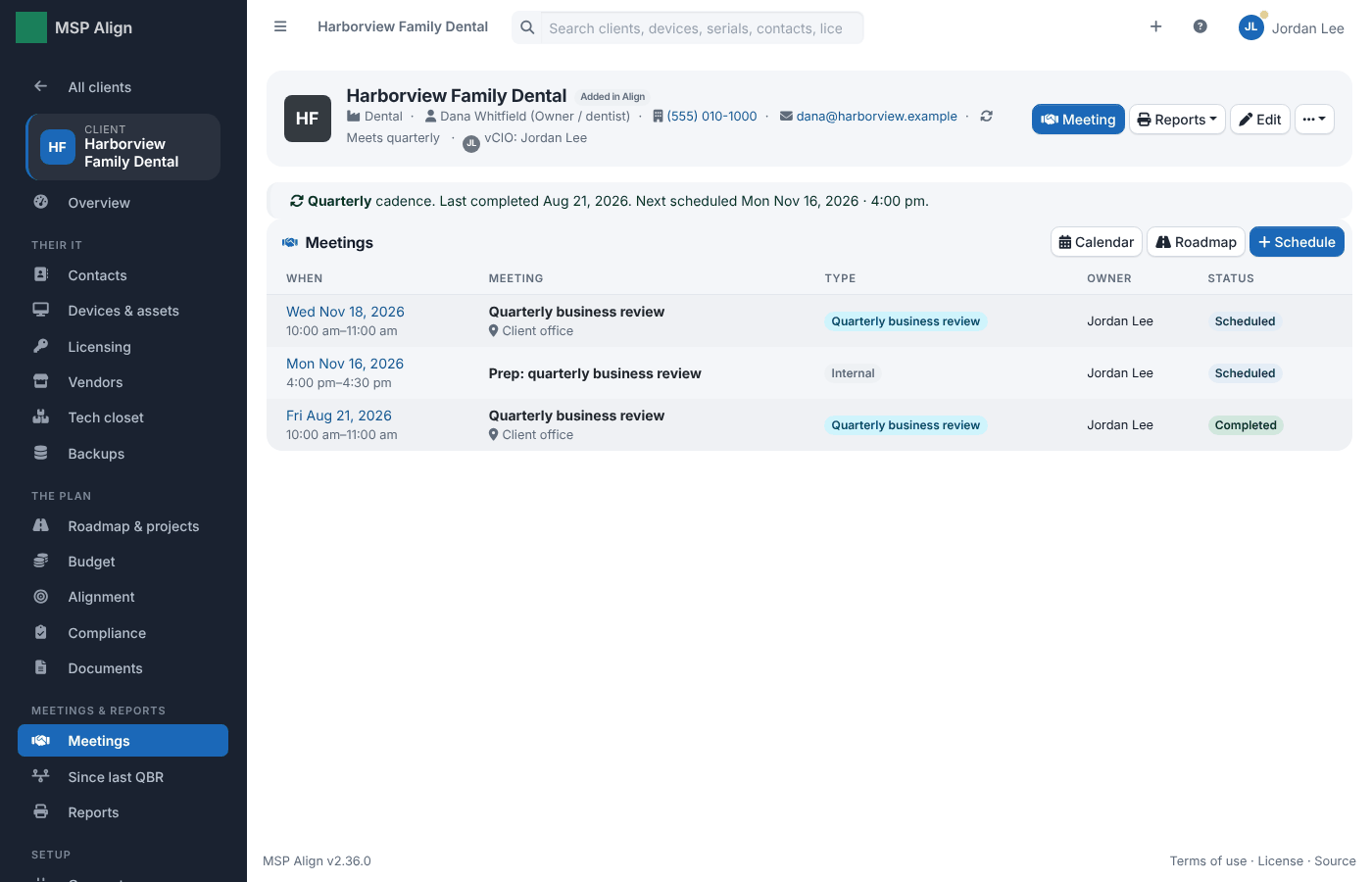
Business reviews and internal prep meetings on a cadence per client, with calendar invitations.
Reports
Printable, client-ready reports (Print → Save as PDF): the business review pack, service levels, assets and lifecycle, backup and recovery, the roadmap, the budget and policies, plus CSV exports.
To do and integrations
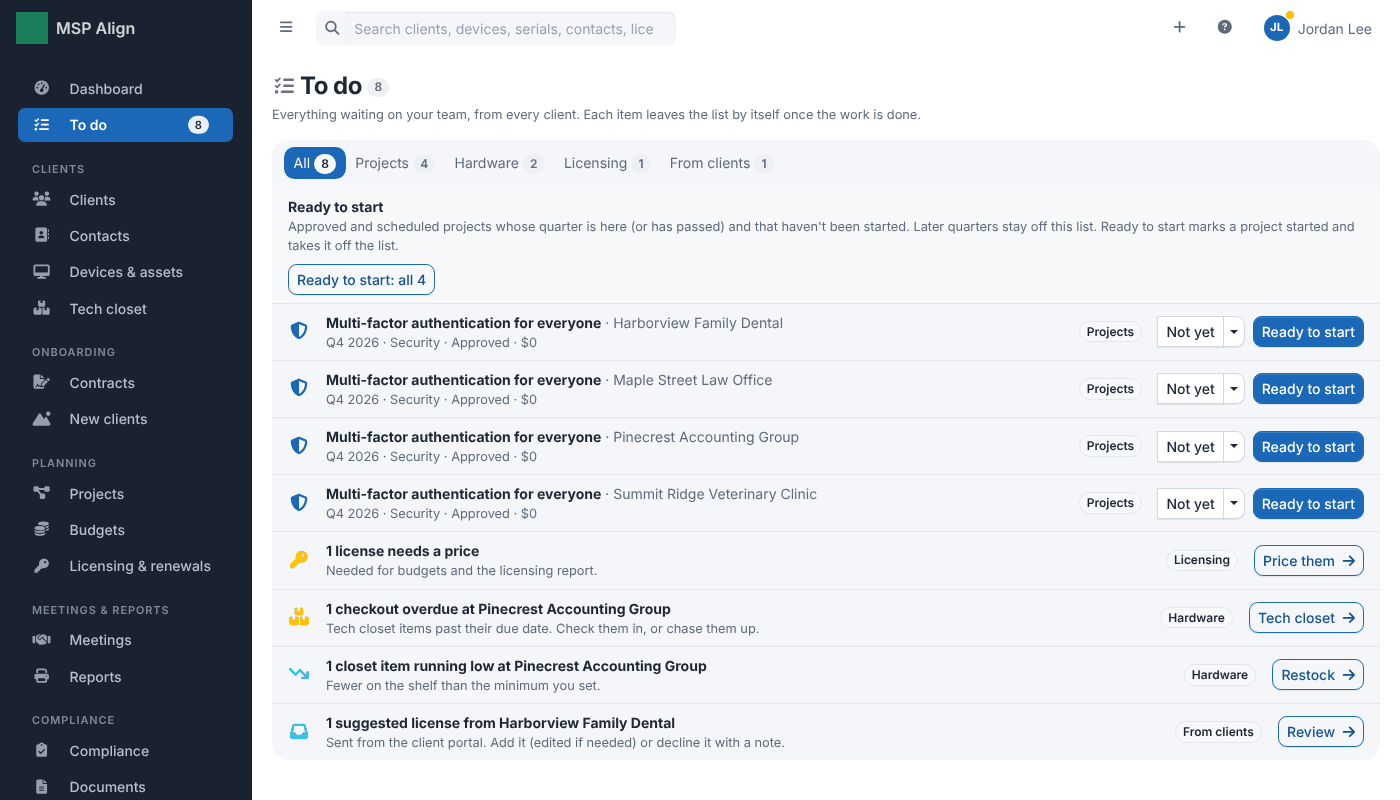
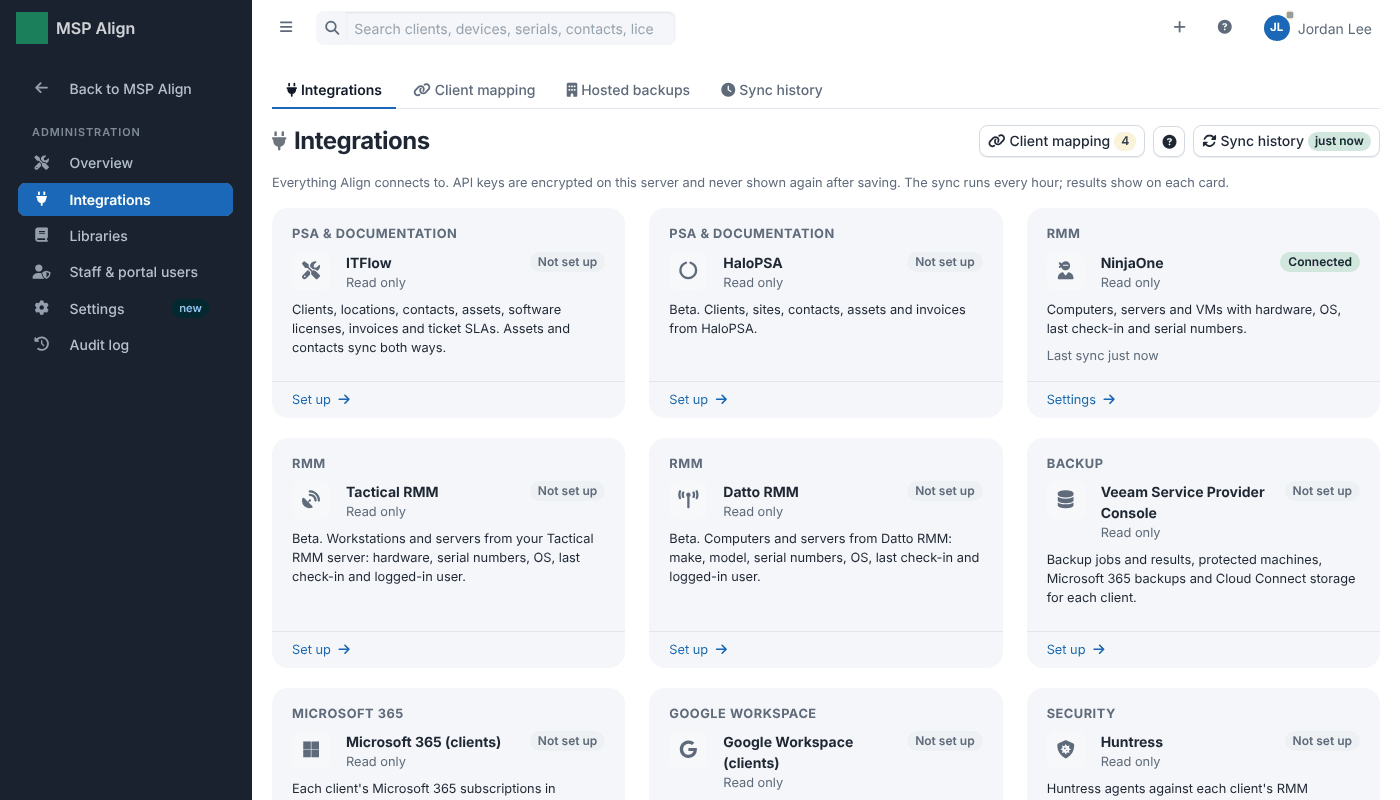
To do lists the setup and upkeep waiting on your team; Integrations shows each connected tool and its status.
The client portal
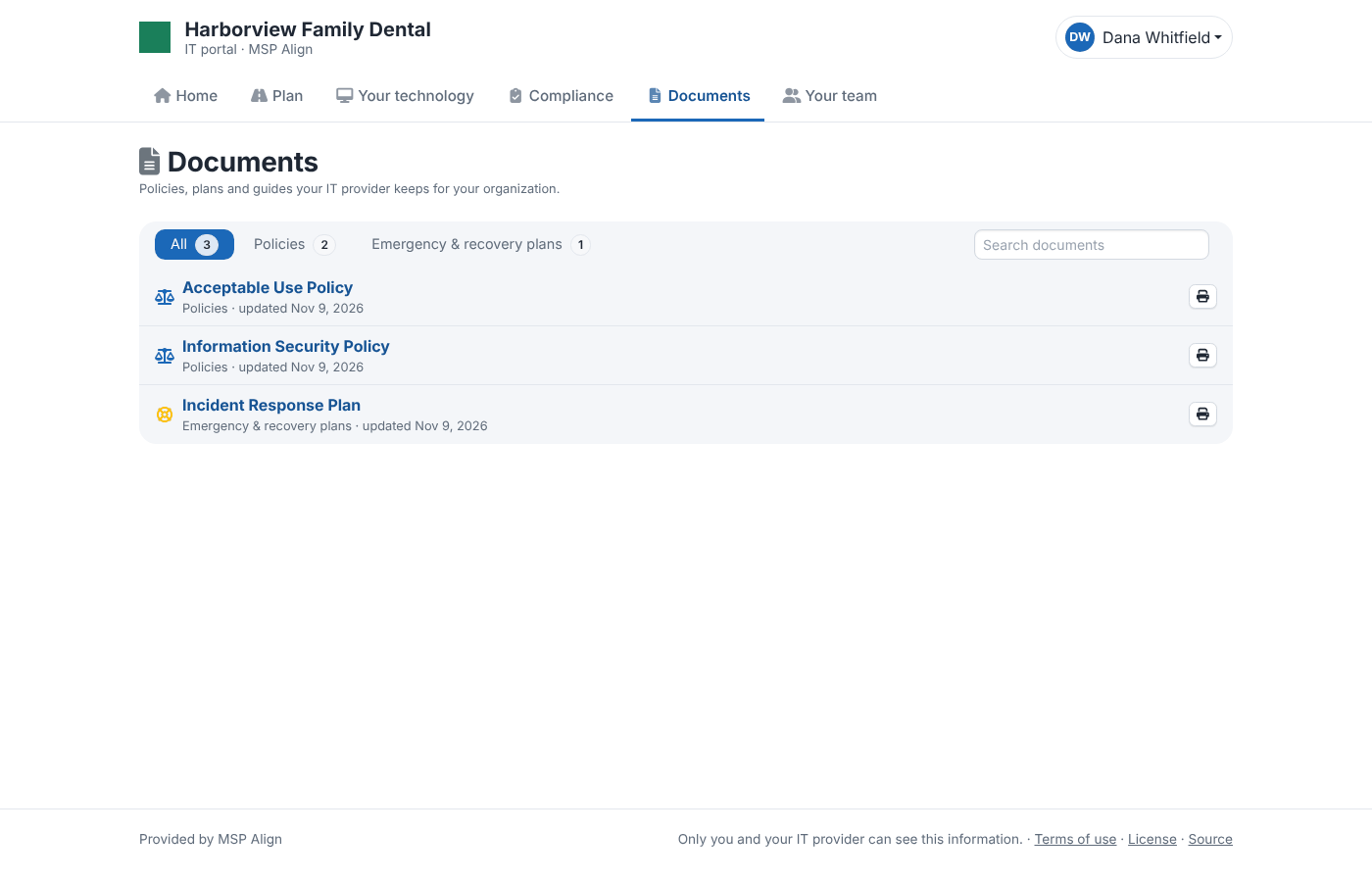
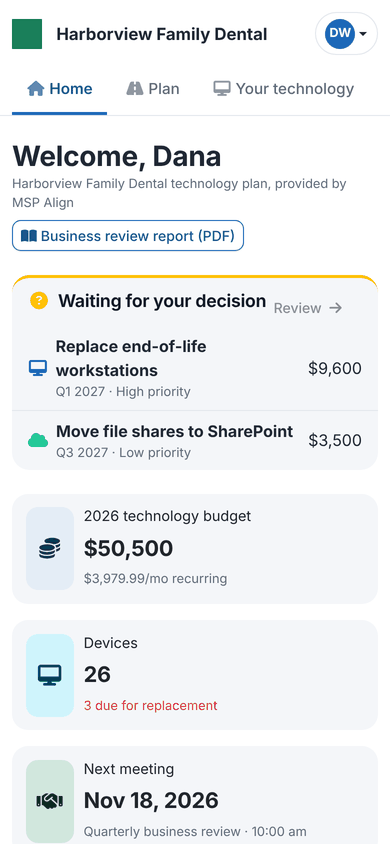
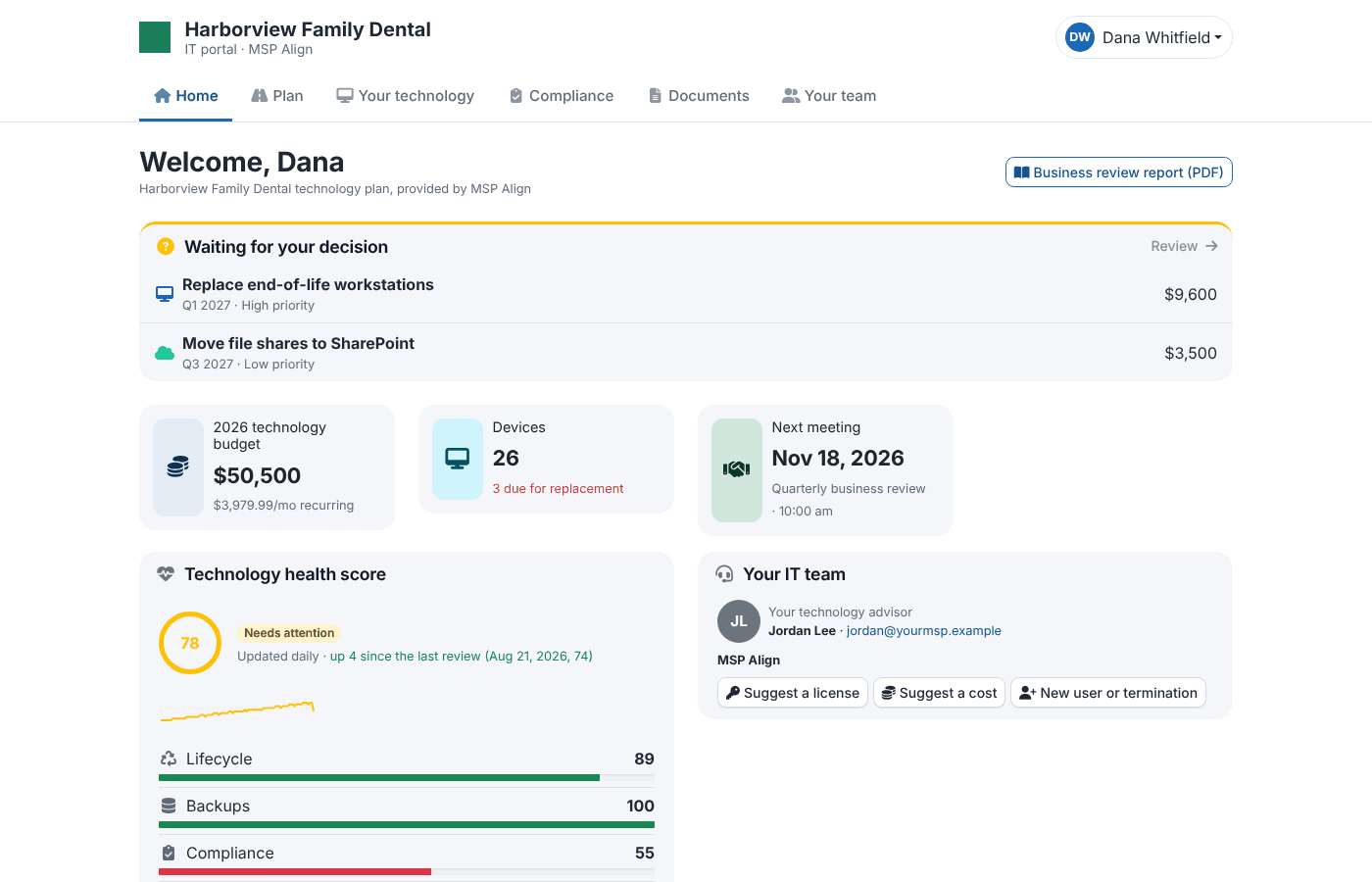
What your clients see: decisions waiting on them, their plan and budget, their devices, compliance and meetings, with their logo at the top. With ITFlow it can also hold their tickets, the quotes you sent, the documents you share and a bill pay button, and documents to sign or acknowledge; every list has a search box. Every section is optional per portal user.
Documents in the portal (2.36.0): one list with category tabs in plain words, a search box, and anything waiting for a signature or acknowledgment on top. Every list in the portal has a search box like this one.